November 18, 2026
Using a Landline With WhatsApp Business: A US Setup Guide
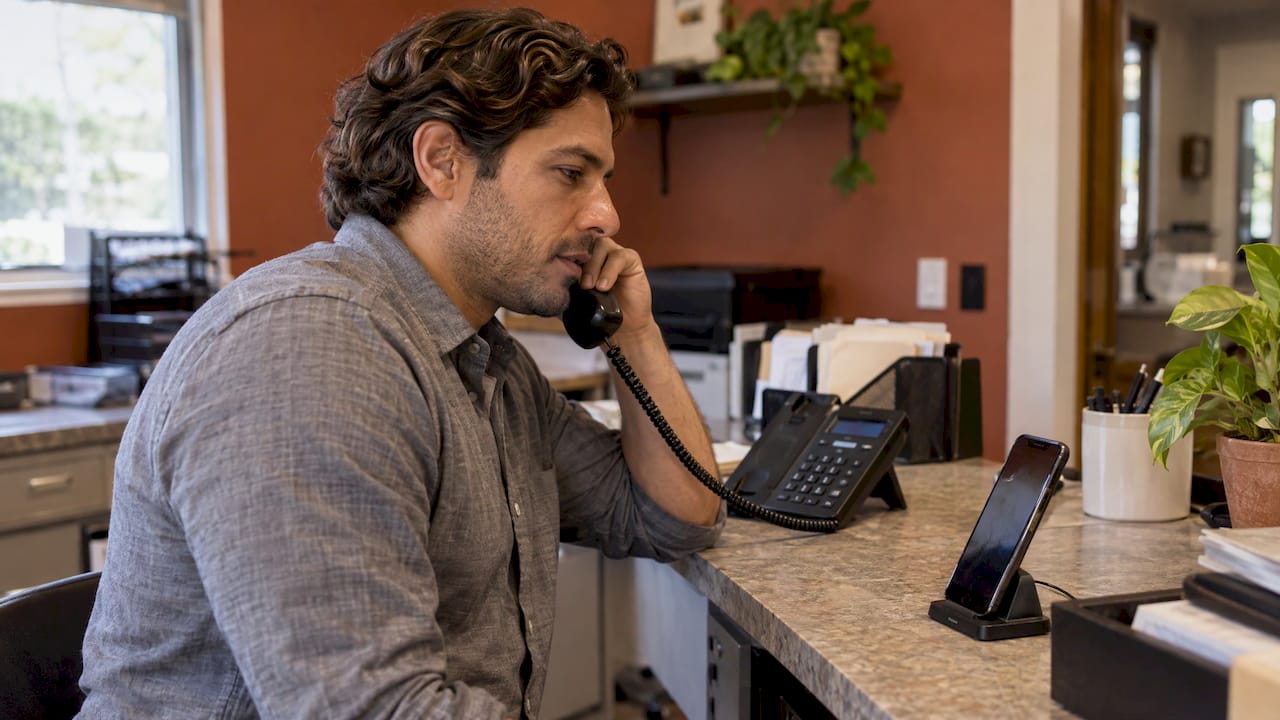
Yes, you can put your office landline on WhatsApp Business, as long as it is a direct line you own and you can answer it when WhatsApp calls with the code. The harder question is whether you should. Your main line is the number every client already knows, and once it is tied to a WhatsApp account, someone has to answer messages on it in both English and Spanish. This guide covers the registration steps, the numbers WhatsApp rejects, and how to choose a number for a practice with Hispanic clients.
TL;DR
- WhatsApp accepts a landline you own on the free WhatsApp Business app only. The code arrives by automated phone call, not by text.
- VoIP, toll-free, paid premium, UAN and personal numbers are rejected, and so are extensions. You need a direct line.
- Decide before you register whether the landline or a separate dedicated number will carry WhatsApp. Moving a number later is possible but disruptive.
- A number only helps if every message gets a fast, natural answer in the client’s language, at night and on weekends too.
- Our Sitio + María plan is $199 per month and puts a 24/7 bilingual receptionist behind your WhatsApp channel.
Table of Contents
- Can a landline really be used for WhatsApp Business?
- Which numbers WhatsApp will reject
- How to register your landline, step by step
- Your main office line or a dedicated WhatsApp number?
- Business app or Business Platform: which one fits a small practice
- Setting up a clear English and Spanish workflow
- A worked example: a two-dentist office
- Promo: the front desk that works behind the number
- Our perspective
- FAQ
- Sources
Can a landline really be used for WhatsApp Business?
Yes. WhatsApp’s own registration guide says you can register a mobile or a landline (fixed) number that you own, provided you can receive calls or SMS on that number. For a landline, you tap “Call me” so the registration code is read to you by phone.
Two details matter for a US practice:
- Only the WhatsApp Business app accepts a landline. The regular WhatsApp Messenger app does not, according to WhatsApp’s international number format guidance. If a competitor’s guide tells you to install the standard app with your office line, it is wrong.
- The number must be a direct line. An extension behind a switchboard cannot be used, because the automated call has to reach a person who can key in a six-digit code.
So the usual cases work: a dental office with a single analog or digital line, a law firm with a published direct number, a clinic whose main number rings at the front desk. A number that only exists inside a cloud phone system often does not.
Which numbers WhatsApp will reject
Before you open the app, check what kind of number you hold. WhatsApp lists these as unsupported and impossible to register: VoIP, toll-free, paid premium, universal access numbers (UAN) and personal numbers.
In plain terms:
| Number type | What it is | Works with the Business app? |
|---|---|---|
| Mobile | A cell number you own | Yes |
| Landline (fixed) | A traditional direct office line | Yes, with the “Call me” code |
| VoIP | A number delivered over the internet | No |
| Toll-free | In the US, numbers starting 800, 833, 844, 855, 866, 877 or 888 | No |
| Paid premium / UAN / personal | Special-billing and routing numbers | No |
| Extension | A sub-line behind a main number | No |
The VoIP row catches many small offices. If your phone service was set up by an internet provider and your “landline” is really an app-based line, ask your provider whether the number is classified as VoIP. If it is, a cheap prepaid mobile line is the cleaner answer for WhatsApp, which brings us to the number decision below.
How to register your landline, step by step
Have the phone that will hold the app, the landline handset within reach, and a Wi-Fi or mobile data connection. WhatsApp notes that registration through a phone needs a working internet connection, and that call-blocking settings and task-killer apps must be off.
- Install WhatsApp Business from the App Store or Google Play. Make sure the icon says Business, not the green Messenger icon.
- Accept the terms and enter your number in international format. For the US, that is +1, then the area code and the seven digits, with no leading zero and no extra calling codes. WhatsApp gives the example of +1 408 XXX XXXX.
- Let the SMS attempt fail. A landline cannot receive texts. According to WhatsApp, you wait for the timer, which can take up to 10 minutes, before the option appears.
- Tap “Call me.” Your landline rings. Pick up and listen: an automated voice reads a six-digit code.
- Type the code into the app. Do not guess. Repeated wrong entries lock you out of retrying for a while, and that delay is painful when your front desk is waiting to go live.
- Build the business profile. Add your practice name, address, hours, website and a short description.
If nobody is at the office to pick up, do this during business hours. A voicemail or an auto-attendant that answers first will swallow the code call.
When the code call never comes
The usual causes are a phone line that rings through to a switchboard or fax tone, a call-forwarding rule, a do-not-disturb setting, or an extension instead of a direct number. Fix those, wait out the lockout timer and try again. If the number turns out to be VoIP, no amount of retrying will help.
Your main office line or a dedicated WhatsApp number?
This is the decision most guides skip, and it is the one you live with for years. The two honest options:
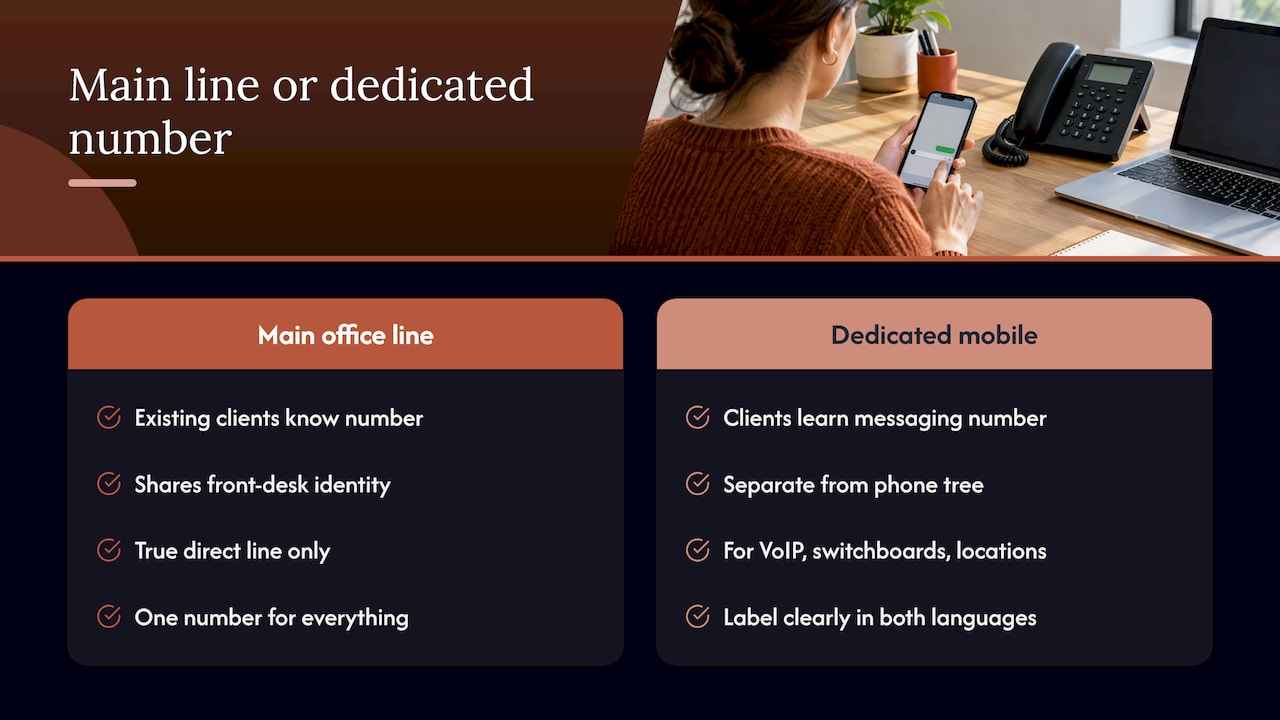
Use the main office line. Clients who already have the number can message it with no new contact to save. Your front desk, your Google listing and your WhatsApp are one identity. The risk is that the number is now bound to one Business app account, and a landline cannot receive texts, so a lost phone or a reinstall means another round of the “Call me” routine at the office.
Use a dedicated number. A separate mobile number for WhatsApp keeps the channel apart from the phone tree, which matters when your main line is VoIP, behind a switchboard or shared across several locations. You publish it on your site, your Google profile and a QR code at reception, and clients learn that it is the number for messages.
A practical rule: if your landline is a true direct line and you want one number for everything, register it. If it is VoIP, an extension, or you run several providers or locations, give WhatsApp its own mobile number and label it clearly as the messaging line in both languages, for example “Escríbanos por WhatsApp” and “Message us on WhatsApp.”
What happens if the number was already on WhatsApp
If you move a number that already has a regular WhatsApp account into the Business app, you can move between the two apps, but Business features such as catalog items and collections cannot be transferred back to Messenger. Treat the choice as one you will keep. Do not take a personal number that your staff use for family chats and turn it into the practice number, and do not register a number your office might give up when a lease or phone contract ends.
Business app or Business Platform: which one fits a small practice
There are two products, and the terms get mixed up in search results.
- WhatsApp Business app: free, built for small businesses, run from a phone. According to WhatsApp’s business FAQ, it lets a small business reach hundreds of customers from a single device with limited customization. This is the only one that accepts a landline.
- WhatsApp Business Platform: the API version for medium and large businesses, with programmatic access, richer messaging and per-conversation pricing. The same FAQ says the first 1,000 conversations per month are free.
For most single-location dental, law and medical offices, the app is the right starting point. The Platform is where automation lives: scheduled reminders, routing, a receptionist that answers on its own. If you are weighing how far automated answering should go, this overview of the role of chatbots in business gives useful context on what automated assistants handle well.
The point for a practice: a phone app is one person holding one device. It works at 2 p.m. on a Tuesday. It does not work when the one person who manages it is with a patient, at lunch or asleep.
Setting up a clear English and Spanish workflow
A number is only an address. What clients feel is how fast and how naturally the reply comes. For Spanish-speaking clients, a stiff machine translation or a reply that arrives the next afternoon sends them to the next office on the list.
Build these five things before you publish the number:
- A greeting in both languages. The Business app lets you set a greeting and an away message. Write the Spanish yourself or have a native speaker review it. Our guide with copy-ready Spanish auto replies shows the tone that fits a practice.
- Hours and expectations. State when messages are answered and what to do in an emergency (call 911 for an emergency, never wait for a WhatsApp reply).
- One owner for the inbox. Decide who reads it, who replies in Spanish, and who covers when that person is out.
- Privacy settings. Review who sees your profile photo, status and read receipts. We cover the main ones in four WhatsApp Business privacy fixes.
- Consent. Tell clients how you will use their number and that WhatsApp is not the place for sensitive details. See our WhatsApp consent messages.
If you are in healthcare or law, the stakes around confidentiality are higher. Our guides on WhatsApp setup for healthcare and WhatsApp for law firms go through the rules and a safer configuration.
Make the number easy to find
Put a WhatsApp button on your website, add the number to your Google Business Profile and print a QR code for the front desk. A QR code opens a chat in one scan, which suits clients who prefer not to phone. We walk through it in how to set up WhatsApp QR code appointments. Once clients can book from the chat, the next step is WhatsApp appointment booking so that a message becomes a confirmed slot without phone tag.
A worked example: a two-dentist office
Say a two-dentist office in Houston has one analog landline that everyone knows, a front desk of two people, and roughly a third of its patients prefer Spanish. The owners want WhatsApp for appointment questions.
- They confirm the line is a true direct line and not VoIP.
- On a Monday morning, at the desk, they install the Business app on a dedicated office phone, enter the number as +1 and the area code, wait out the SMS timer and answer the “Call me” call.
- They write a bilingual greeting and an away message, set hours, and add the number to their site and Google profile.
That covers the technical part in under an hour. The part that decides whether it works is Friday at 6 p.m., when a patient writes in Spanish about a broken tooth. A message left until Monday is a patient lost to the clinic that replied that night.
Promo: the front desk that works behind the number
That gap is what we built our service for. Diazluna is a bilingual digital front desk for practices serving Hispanic clients: a bilingual website in Spanish and English, a 24/7 AI receptionist that handles calls, messages and appointment scheduling, and WhatsApp integration, with real-time summaries and transfer of urgent cases. Our Spanish content is human-reviewed rather than machine-translated.
The Sitio + María plan costs $199 per month, or $1990 per year, with a one-off $399 activation fee. The Solo Sitio plan, website only, is $99 per month or $990 per year, and Sitio + María Pro is $349 per month or $3490 per year. You can see all plans on the Diazluna plans page.
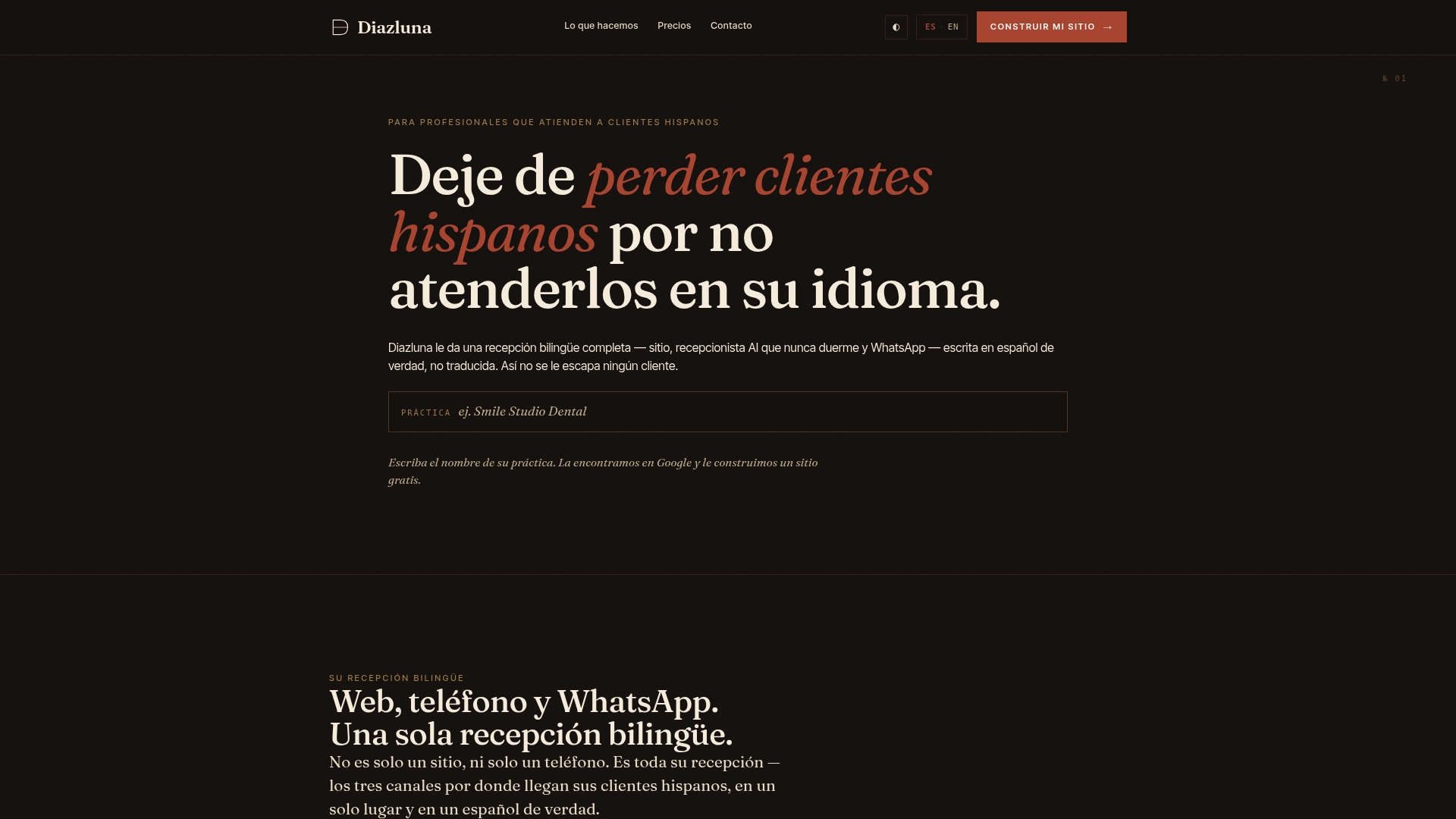
If you would like the number question settled together with a bilingual website and a receptionist that answers in both languages, start from the Diazluna homepage.
Our perspective
Most offices ask us the same thing: “Can I just put my landline on WhatsApp?” Technically, yes. The better question is who answers when it rings, buzzes or lights up at 7 p.m.
We built Diazluna around one belief: a Spanish-speaking client should never be lost because the office could not answer in their language at the moment they reached out. A website, a receptionist and WhatsApp that live apart from each other force your staff to be the glue. A single bilingual front desk puts them in one place.
That is why we do not treat the phone number as the finish line. The number gets the client to the door. The real work is the answer: natural Spanish, reviewed by people rather than run through a translation tool, with urgent cases passed to your team and a summary of every conversation waiting for you in the morning.
Our plans exist so a practice owner does not have to hire three vendors to get this. You edit your own site without technical skills, and your front desk gets to focus on the patient in the chair.
Francisco
FAQ
Can I use a landline for WhatsApp without a mobile phone?
You still need a smartphone to run the WhatsApp Business app, but the number you register can be your landline. The code arrives by automated call to the landline rather than by text, and the line must be a direct line you own.
Can I use the same number on WhatsApp Business and my regular WhatsApp?
Not at the same time. A number lives on one account type. Moving a number from regular WhatsApp to the Business app is possible, but Business features such as catalogs cannot be moved back, so pick the number you intend to keep.
Does WhatsApp accept toll-free or VoIP numbers?
No. WhatsApp’s guide lists VoIP, toll-free, paid premium, UAN and personal numbers as unsupported for the Business app. Use a landline or mobile number that you own.
Is the WhatsApp Business app free?
Yes, the app is free for small businesses. The separate Business Platform charges per conversation, with the first 1,000 conversations each month free, according to WhatsApp.
Sources
- How to register for the WhatsApp Business app
- About international phone number format
- About moving between WhatsApp Messenger and the WhatsApp Business app
- WhatsApp Business frequently asked questions
- The role of chatbots in business